
🇰🇷 한국어 버전 안내: 이 글의 한국어 번역 및 국내 환경 가이드는 뽀모도로 타이머 사용법 (한국어)에서 확인하실 수 있습니다.
Pomodoro Timer
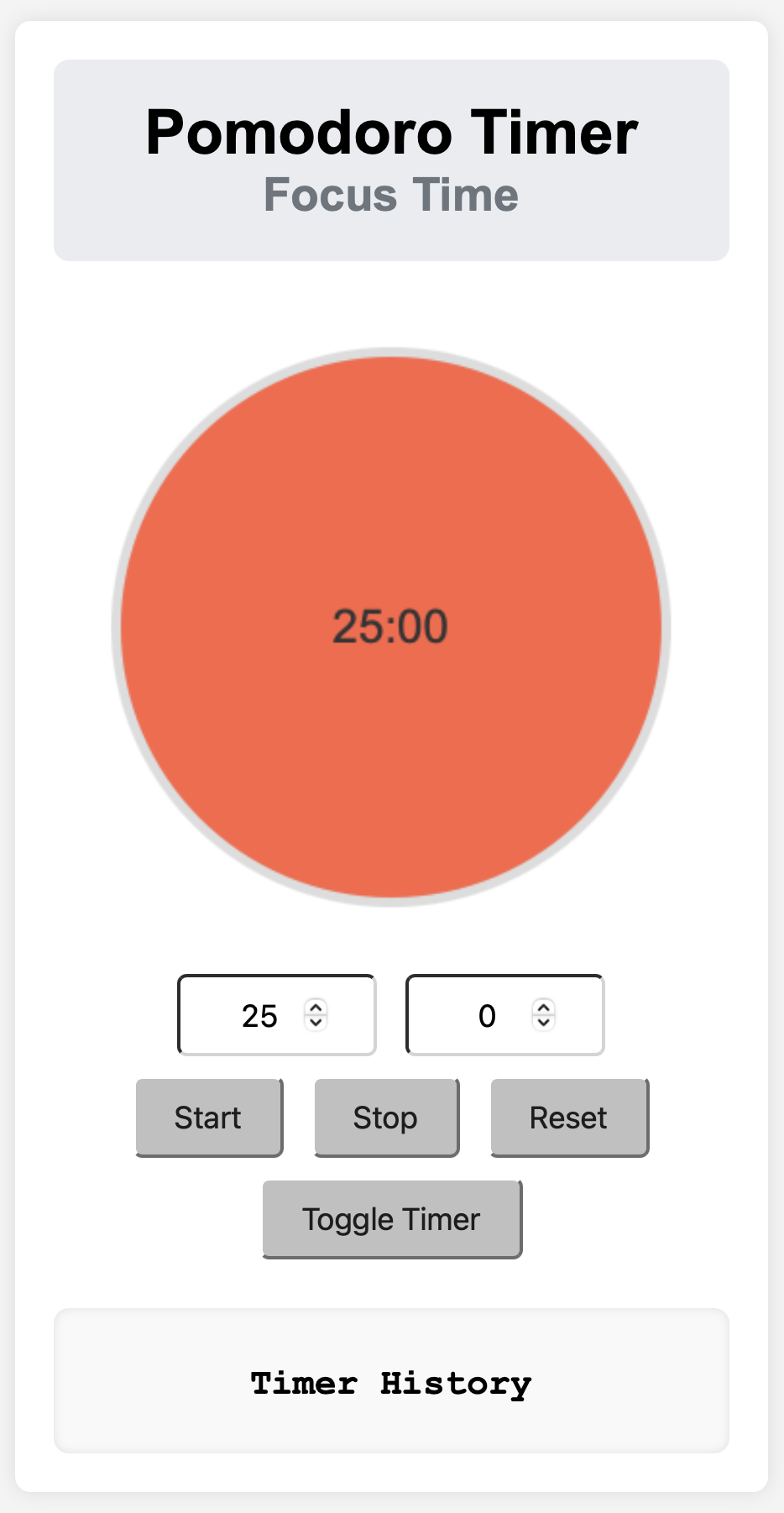
Increase your focus and productivity using the Pomodoro Timer. Manage your work time efficiently with a simple interface. The Pomodoro Timer consists of a 25-minute focus time and a 5-minute break time by default.
Features
- You can set focus time and break time.
- You can start, stop, and reset the timer.
- You can switch between timer modes (focus time ↔ break time).
- You can check the timer history.
Usage
- Set Time: Set the focus time or break time in the
minutesandsecondsinput fields. - Start Timer: Click the
Startbutton to start the timer. - Stop Timer: Click the
Stopbutton to pause the timer. - Reset Timer: Click the
Resetbutton to reset the timer. - Switch Session: Click the
Switch Timerbutton to switch between focus time and break time. - Check Timer History: Check the previous session records in the timer history section.
File Structure
pomodoroTimerEN/
├── css/
│   └── styles.css
├── js/
│   └── script.js
├── index.html
└── README.md
Installation and Execution
- Clone this repository:
git clone https://github.com/saramjh/pomodoroTimerEN.git - Move to the project directory:
cd pomodoroTimerEN - Open the
index.htmlfile in your browser.
Contribution
Contributions are welcome! If you find any bugs or have improvements, please create an issue or submit a pull request.
License
This project is distributed under the MIT License.