
How to block KakaoTalk PC ads on Windows, and what the fix cannot remove
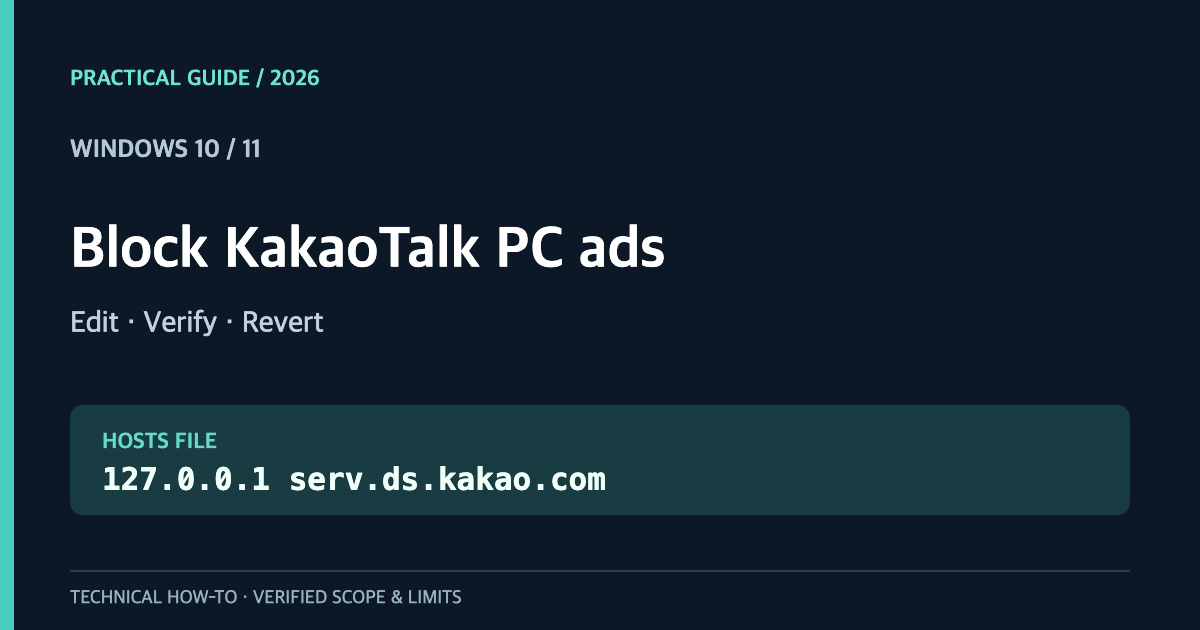
Quick answer: You can redirect one KakaoTalk ad-related hostname in Windows 10 or 11 by adding this line to C:\Windows\System32\drivers\etc\hosts using elevated Notepad:
127.0.0.1 serv.ds.kakao.com
This redirects the hostname to your computer rather than the remote service. It does not guarantee the disappearance of every KakaoTalk ad. An in-app fallback notice, the reserved banner space, or a separate startup popup may remain. This guide covers the no-extra-app procedure, two independent verification steps, and a safe rollback.
한국어 안내: 윈도우 카카오톡 PC 광고 차단 가이드
Does one hosts rule remove the banner and popup?
Not necessarily. Kakao’s business advertising overview distinguishes the lower main-window ad placement from a floating Windows popup. The two need not use the same endpoint.
| Goal | What this approach establishes |
|---|---|
Map serv.ds.kakao.com to 127.0.0.1 | Yes, when OS name resolution honors the entry |
| Prevent a remote fetch via that hostname | Can affect clients relying on OS resolution |
| Remove the bottom ad container | Not guaranteed |
| Remove Kakao’s own fallback notice | Not guaranteed |
| Stop every login or startup popup | Not established |
Blocking an ad resource, displaying a house banner, and removing an element from the app UI are different outcomes.
1. Open hosts as an administrator
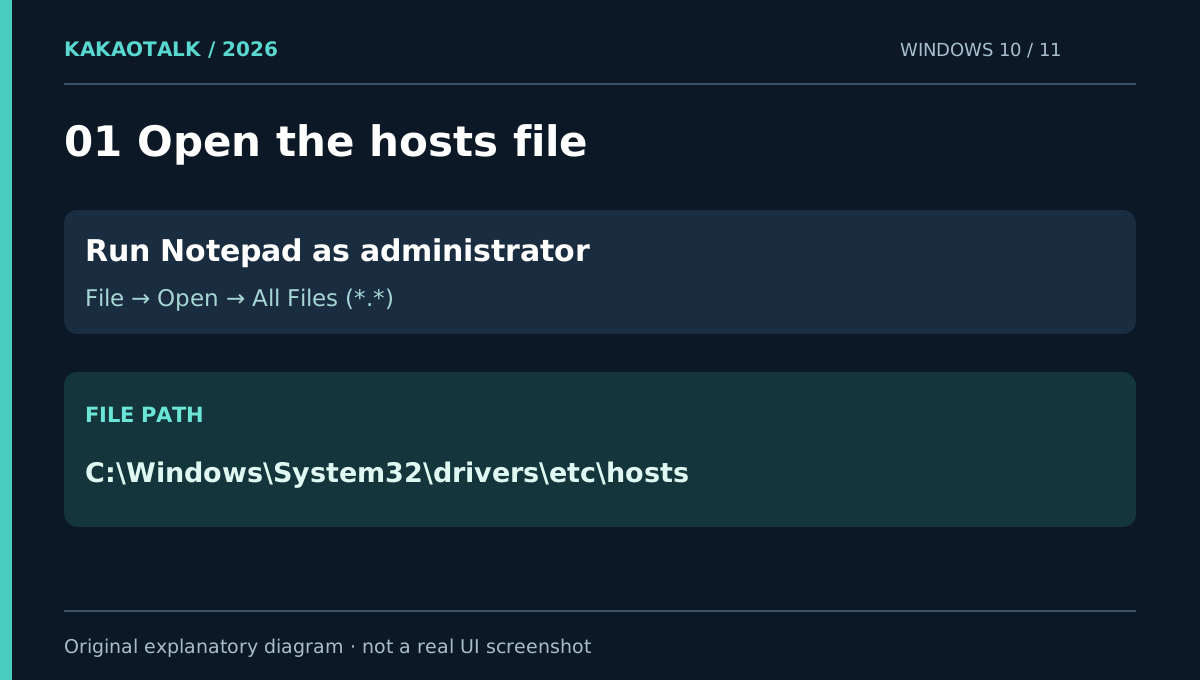
Close KakaoTalk first. Search for Notepad in Start, right-click, then choose Run as administrator. An ordinary Notepad window may read the file but be unable to save changes.
Select File → Open, navigate to the following directory, and switch the file-type dropdown from Text Documents to All Files (.):
C:\Windows\System32\drivers\etc
Open the file named hosts without an extension. Copy the original somewhere safe as a backup. Do not replace the entire file with a generic template: it may contain other required mappings.
2. Append only the relevant line
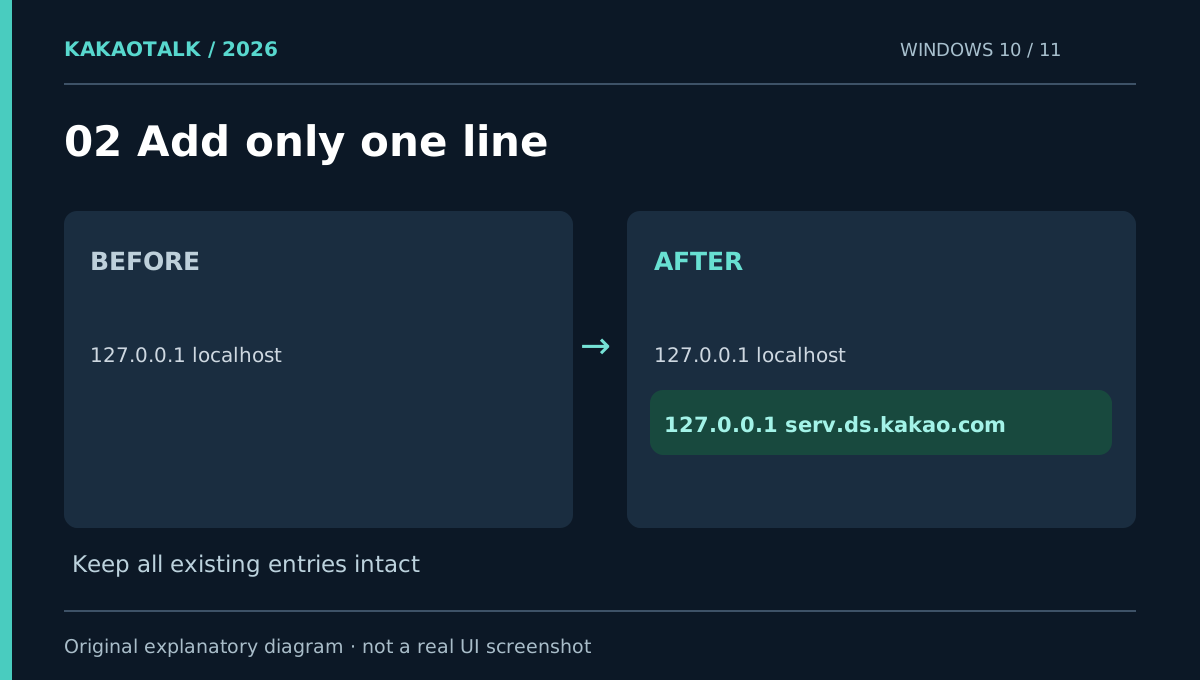
At the bottom of the file add:
127.0.0.1 serv.ds.kakao.com
127.0.0.1 is the IPv4 loopback address. A hosts entry associates the selected name with that address before a normal remote lookup. If an active mapping for the same name already exists, investigate it rather than duplicating or conflicting with it. Save the original file as hosts, not hosts.txt.
3. Flush DNS and completely restart the client
Open an elevated Command Prompt and run:
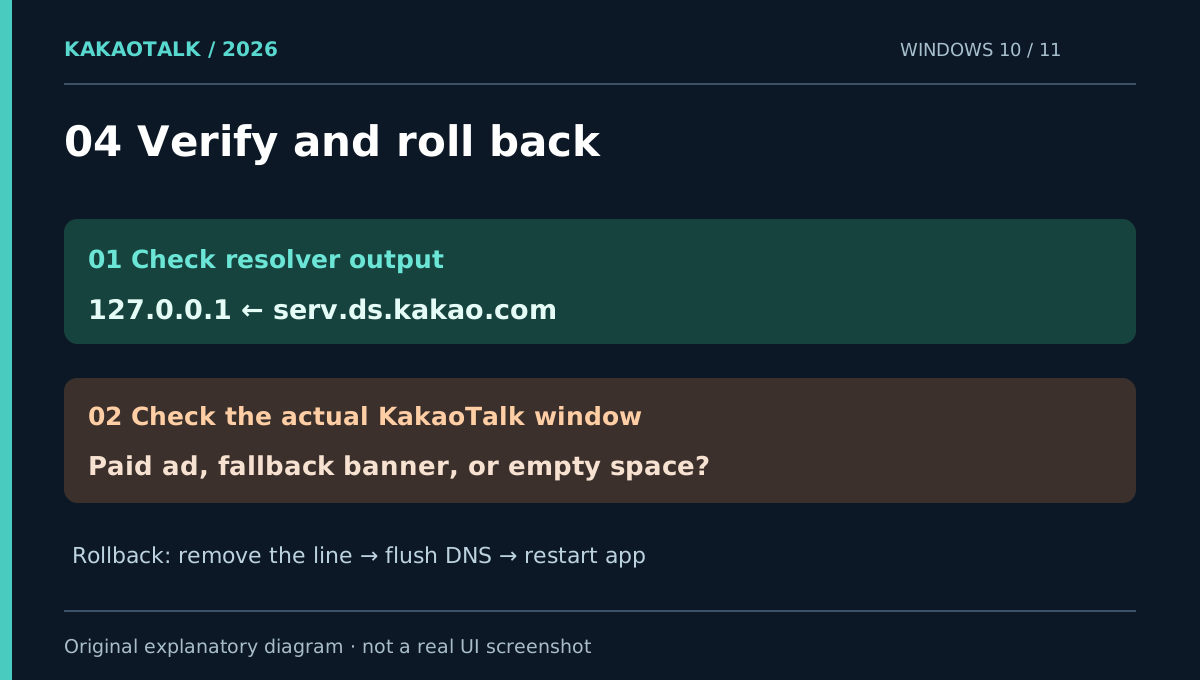
ipconfig /flushdns
Check local hostname resolution:
ping -4 -n 1 serv.ds.kakao.com
Look for the resolved target address 127.0.0.1. Whether the ICMP packet gets a reply is secondary. Avoid nslookup as a hosts-file confirmation test: it generally queries a DNS server directly. Microsoft documents ipconfig /flushdns in its Windows connectivity troubleshooting guide.
Quit KakaoTalk from its system-tray icon before reopening it. Simply closing the window may leave it running.
4. Why a KakaoTalk banner may still appear
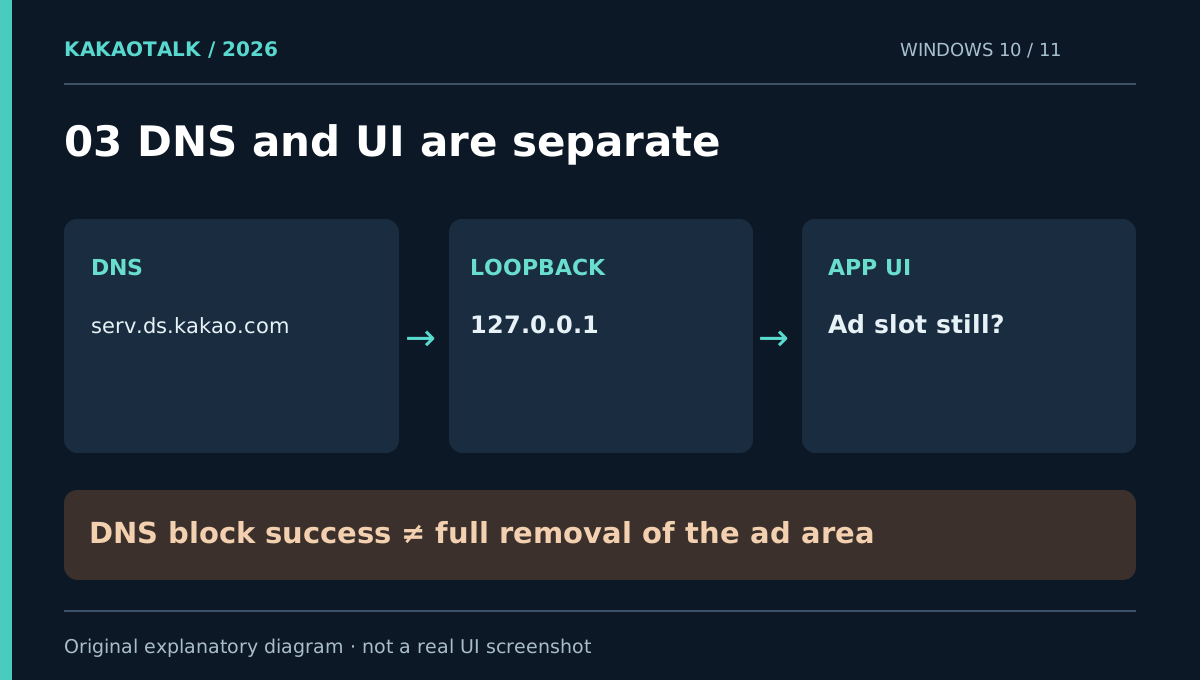
There are two separate success conditions:
- Network resolution: Does Windows resolve the hostname to
127.0.0.1? - App interface: Does KakaoTalk show a paid ad, a Kakao-branded notice, an empty slot, or no slot at all?
An October 2026 Windows user report describes a KakaoTalk news banner replacing the paid ad after the hosts entry was applied. That is a user observation, not a tested promise for all releases. The hosts file cannot directly remove an in-app element.
5. Troubleshooting based on the ad placement
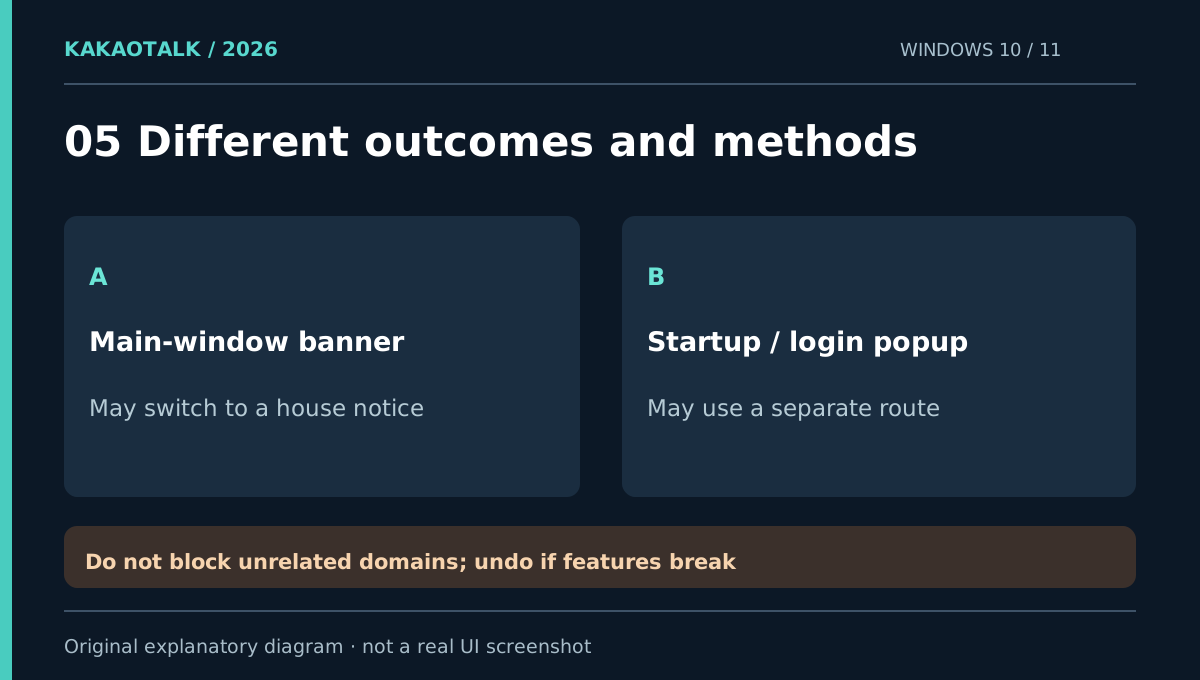
Paid banner unchanged? Recheck the system-file path, elevated save, precise spelling, conflicting entries, and full KakaoTalk restart. If all are correct, this ad may be delivered via a different hostname or an internal content path.
Kakao notice remains? You may be seeing fallback content rather than the original paid ad. DNS blocking does not delete UI layout.
Startup or login popup remains? It may be a separate ad placement. The vendor itself lists different Windows PC ad formats. Avoid blocking unrelated kakao.com hostnames: broad lists can interfere with sign-in, messaging, links, and commerce functions.
Security warning? Verify the file and hostname. Do not automatically disable your security software to force a hosts-file edit.
6. Undo the change
Open the hosts file as administrator again, remove only the one line you added, and save. Then run ipconfig /flushdns and restart KakaoTalk completely. Leave all unrelated mappings alone. Microsoft’s official hosts-file explanation covers the basic format and why incorrect entries can break connectivity.
Frequently asked questions
Will this completely remove KakaoTalk PC ads?
No guarantee. It targets one hostname, not every advertising endpoint or the application’s layout. A house banner or a separate popup may remain.
Do I have to install an ad-blocking app?
Not to apply this hosts redirect. Removal of the visual ad area is a different technical task; third-party tools should be reviewed for permissions, safety, and compatibility before installation.
Is the same fix appropriate for Mac?
The networking idea is similar, but the path and Mac app behavior differ. KakaoTalk for Mac gained a lower banner with 26.9.0. Read the macOS-specific guide.
Sources and scope · October 30, 2026
- Microsoft Support: Windows hosts file — format and name-to-address mapping.
- Microsoft Support: Flush DNS — supported command.
- Kakao Business: PC ad inventory — main-window and floating advertising placements.
- October 2026 Windows user report — Kakao-branded fallback notice; an anecdote, not vendor-guaranteed behavior.
The Windows hosts file and an installed KakaoTalk 26.9.1 were checked on a Windows machine, but the change was not applied there to measure ad disappearance. All figures here are original illustrative diagrams, not fabricated application screenshots.